Dictation, in every app on your Mac.
Hold fn anywhere on your Mac, say the sentence, let go, and the text is typed in at your cursor. The speech becomes text on your Mac, by the same model that transcribes your meetings.
Free to start. No card.
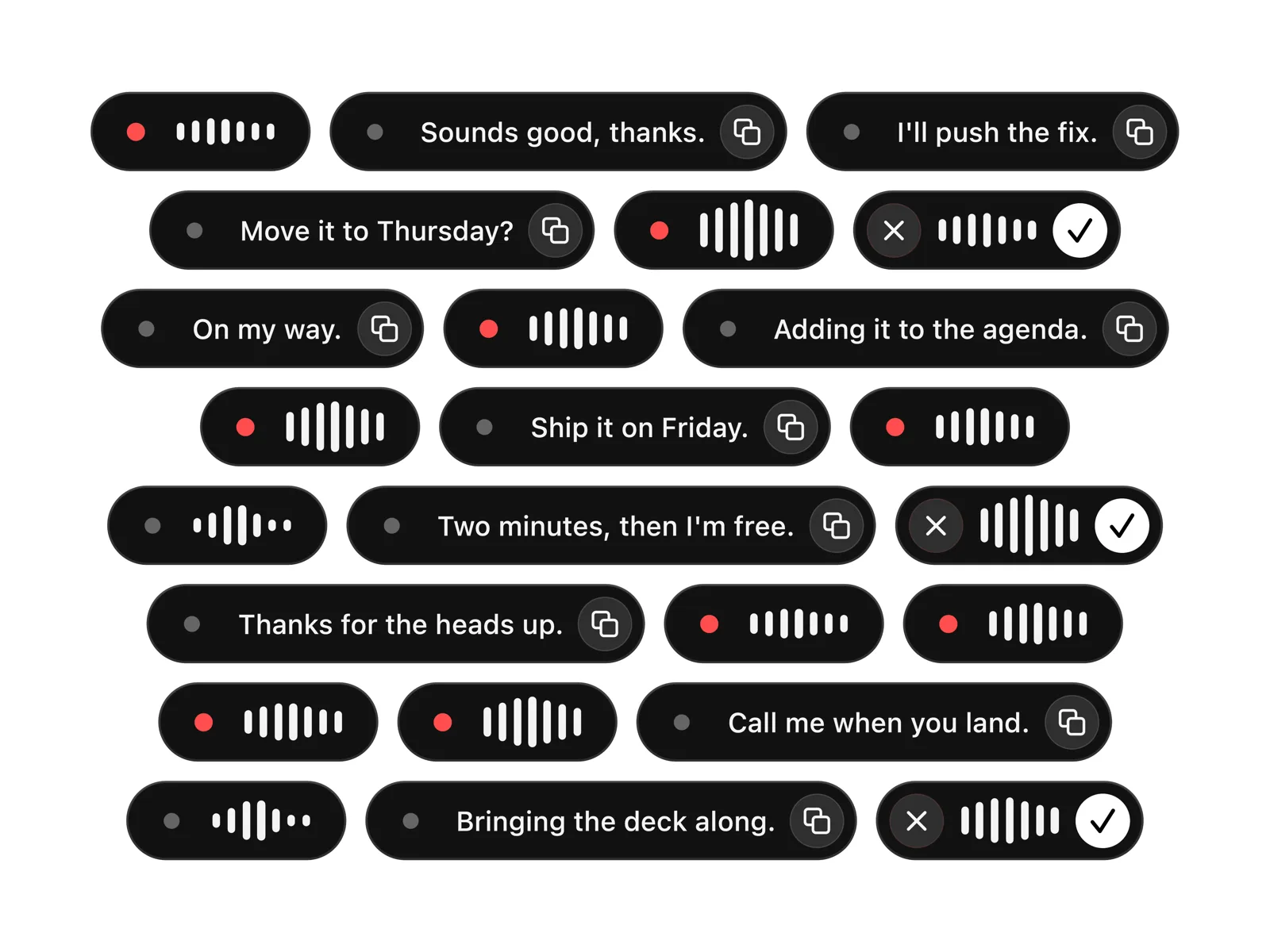
Hold fn, say it, let go.
-
Hold fn.
The microphone opens and the pill comes up, so you can see that it is hearing you.
-
Say it.
Spoken punctuation becomes punctuation and the filler words come out.
-
Let go.
The text is typed in at your cursor, in whichever app was in front.
The key
fn, or right ⌘, right ⌥, F13 or F5 if fn is spoken for.
Your languages
About 99 to pick from, worked out from what you say, with nothing to switch.
On your Mac
One speech model, about 1.5 GB, downloaded once and then no network.
Password fields
Never typed into, and nothing is put on your clipboard.
Off where you want it off
Settings holds a list of apps dictation stays out of.
Seven days, then Aside Pro
Free for 7 days, then $8 a month or $79 once, on the pricing page.
Questions.
Does it work in every app?
Anywhere your cursor can already type, with no plugin to install, because the text goes in the way a paste goes in. A password field and any app on your blocked list are left alone: nothing typed, nothing copied, and the take kept in Aside.
Which key do I hold?
fn. Hold it for a sentence, double tap it to latch the microphone open for a long take, and press Esc while holding to throw the take away.
Does dictation need wifi?
Only for the first download. Aside fetches one speech model, about 1.5 GB, when you set dictation up; after that it runs on your Mac with the network off.
Is dictation free?
Free for 7 days from the day you set it up, and after that part of Aside Pro: $8 a month, or $79 once. The meeting side has its own trial of ten meetings.
What does it run on?
macOS 26 or later, on Apple silicon, or on Intel with much slower transcription. It asks for two permissions the first time: Microphone, to hear you, and Accessibility, to watch for the key and send the paste.